Interactive 3D globe
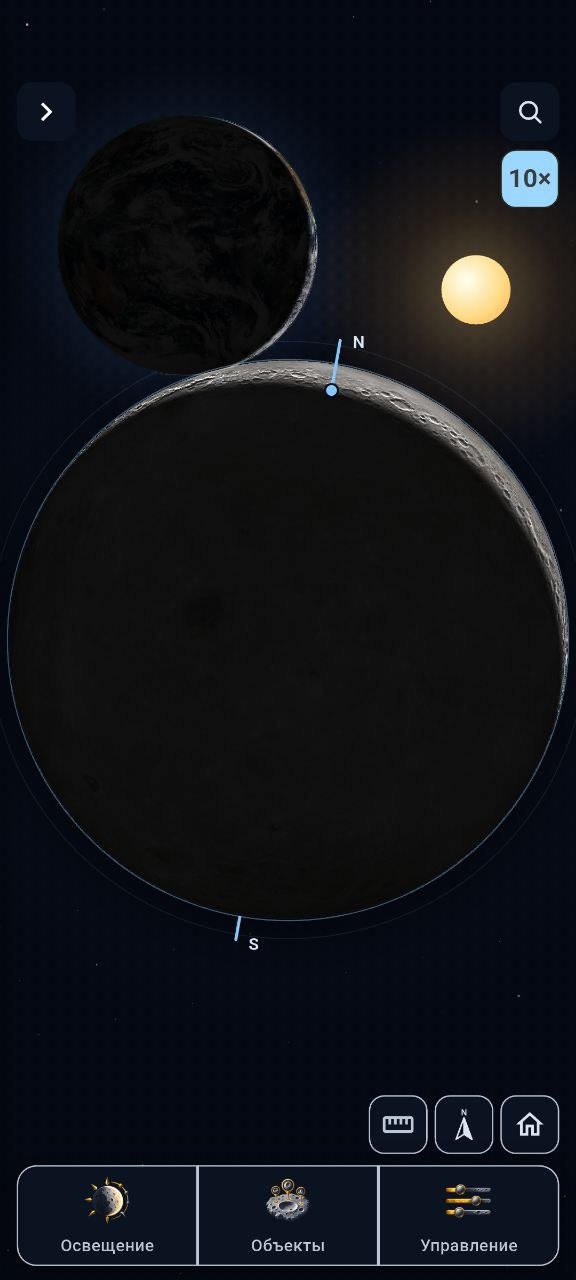
Control the view with touch gestures. Choose uniform lighting, phase simulation, or calculated lighting for the current time.
An interactive lunar atlas
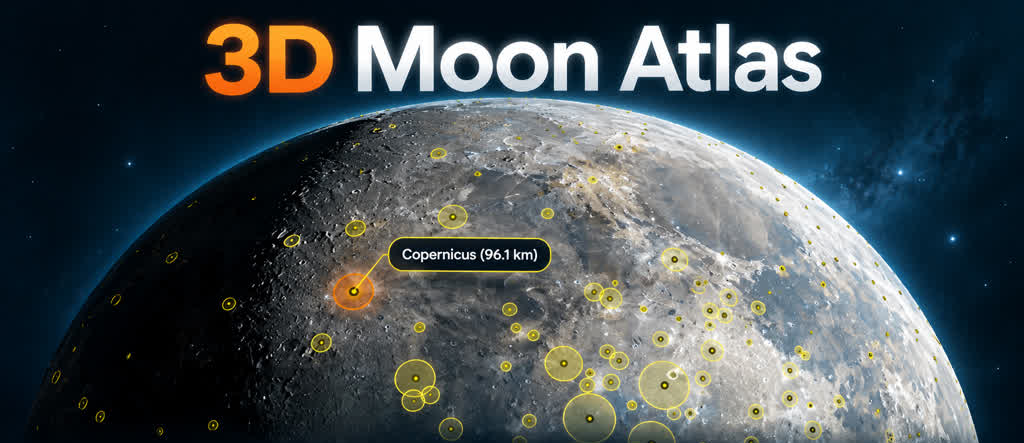
Explore the Moon as an interactive 3D globe. Rotate it, zoom into areas of interest, and watch sunlight reveal the terrain. The built-in catalog helps you find craters, maria, mountains, and spacecraft landing sites.
An interactive lunar atlas
A set of observation and learning tools built around an interactive lunar globe.
Control the view with touch gestures. Choose uniform lighting, phase simulation, or calculated lighting for the current time.
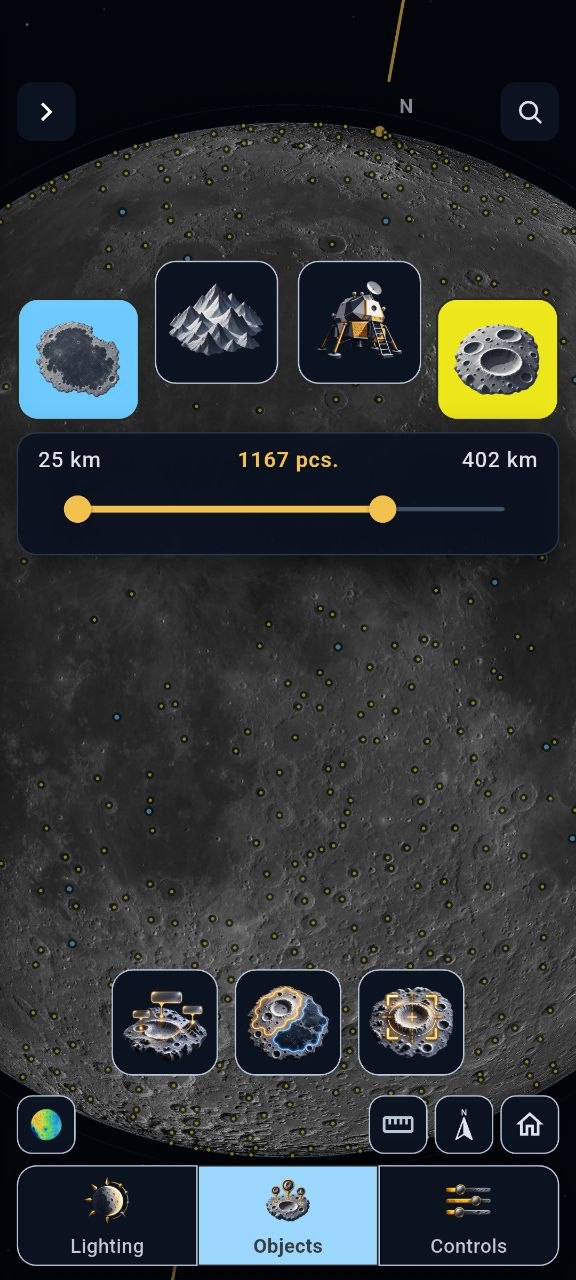
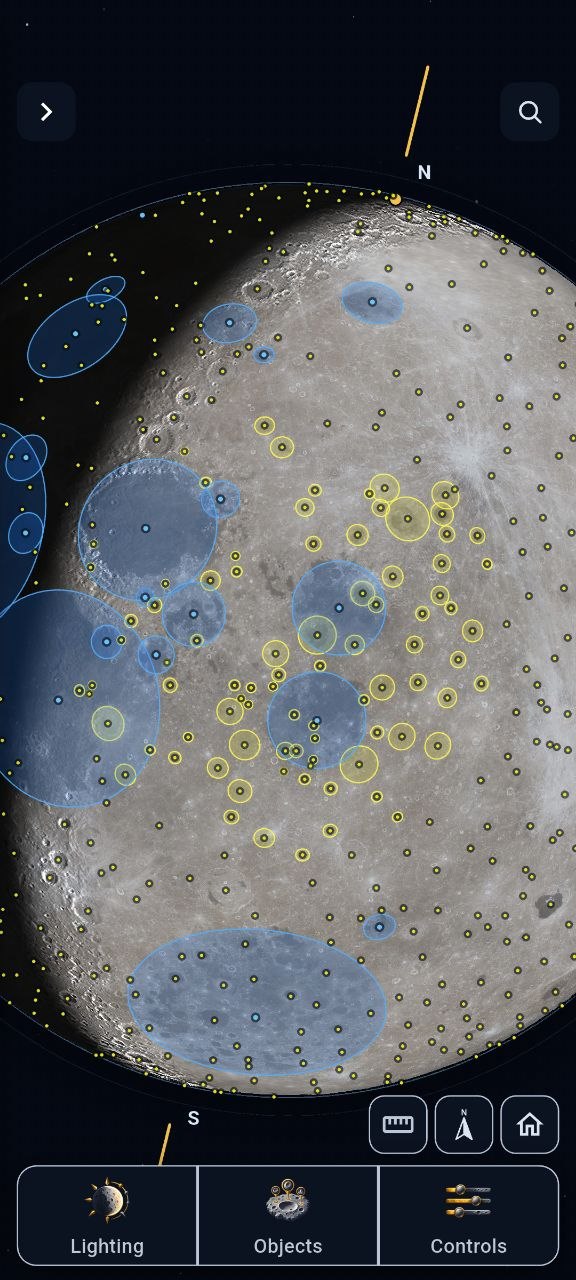
Search for lunar features, show labels and borders, and explore coordinates, diameters, and available descriptions.
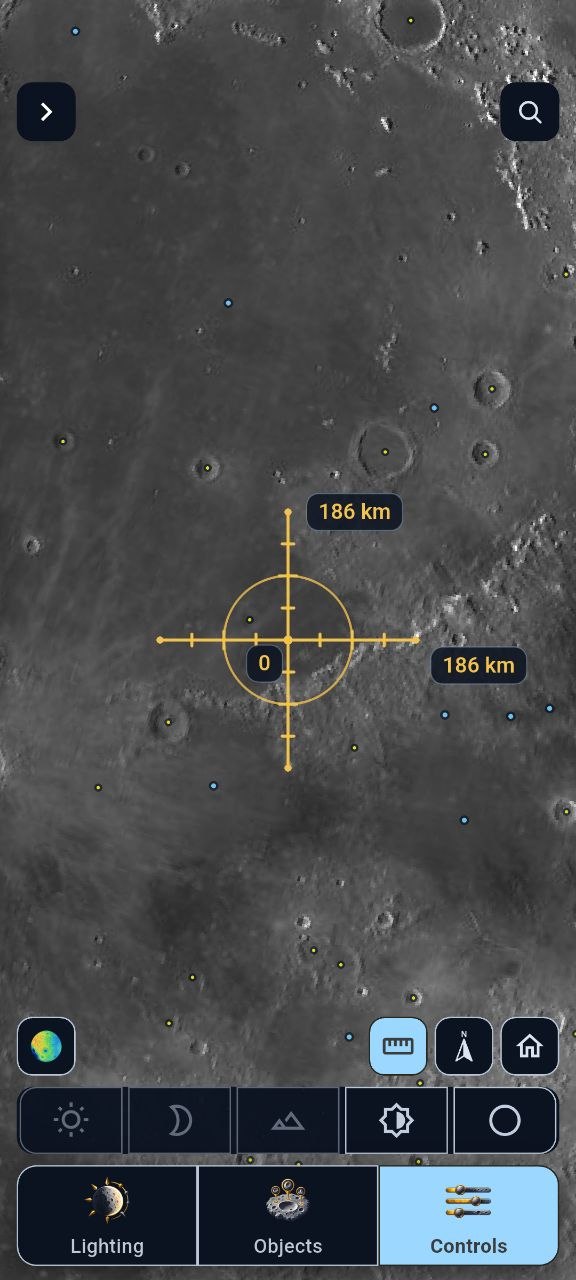
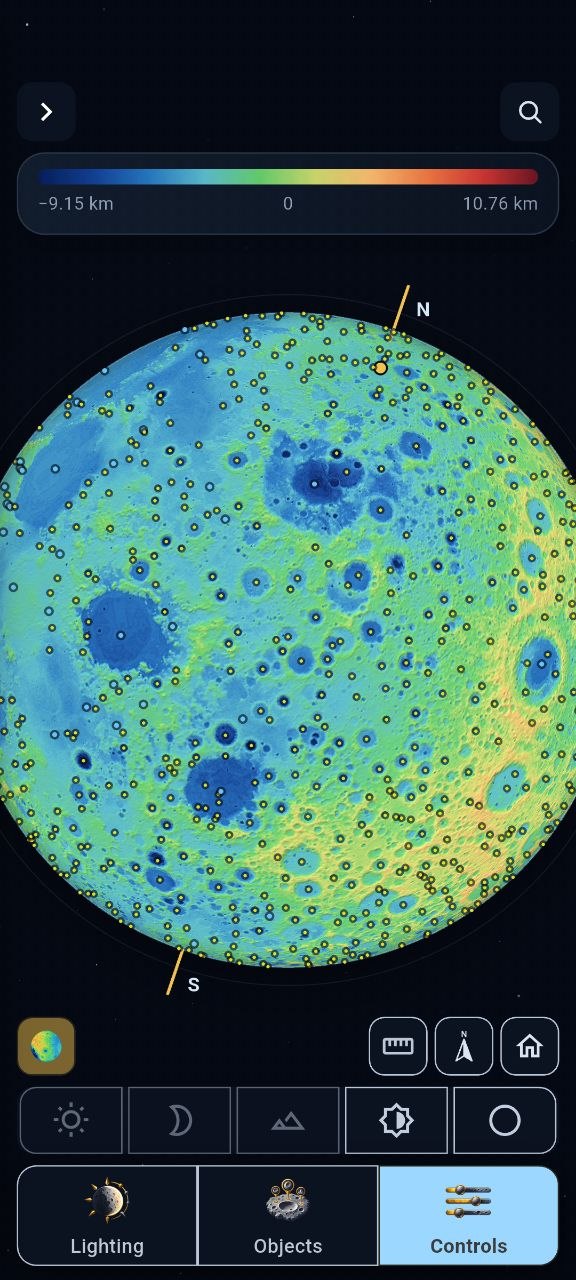
View elevation data, enhance relief near the day-night boundary, and use the coordinate grid and lunar rotation axis.
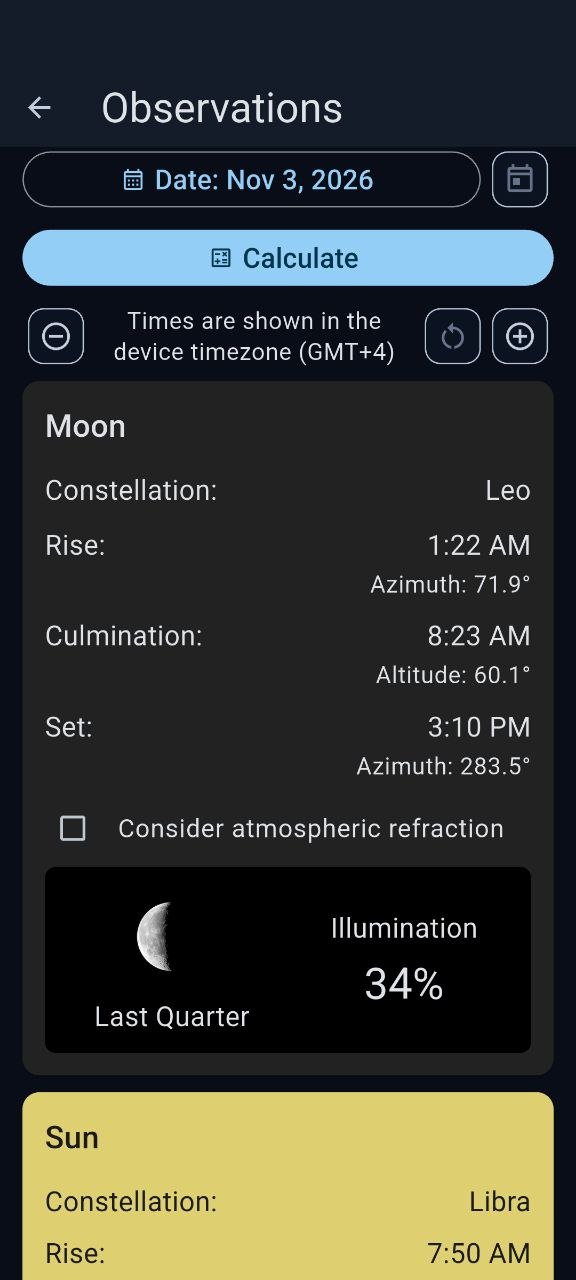
Choose a date and location to calculate sunrise, culmination, and sunset for the Sun and Moon, with altitude and azimuth.
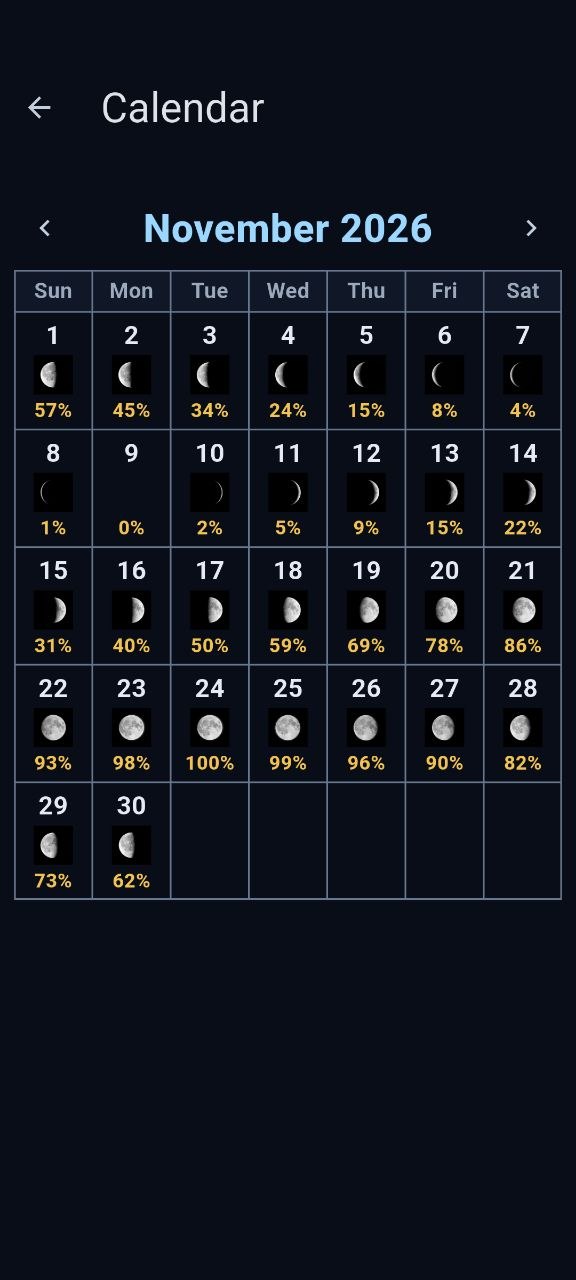
See the Moon’s phase and illumination for each day of a selected month.
The main tools, catalog, and reference materials are available offline and without registration. Set an observing location manually or use GPS; coordinates are stored on your device and used in calculations. Internet access is needed to open external links.
For everyone from first-time Moon explorers to astronomy enthusiasts, observers, and educators.
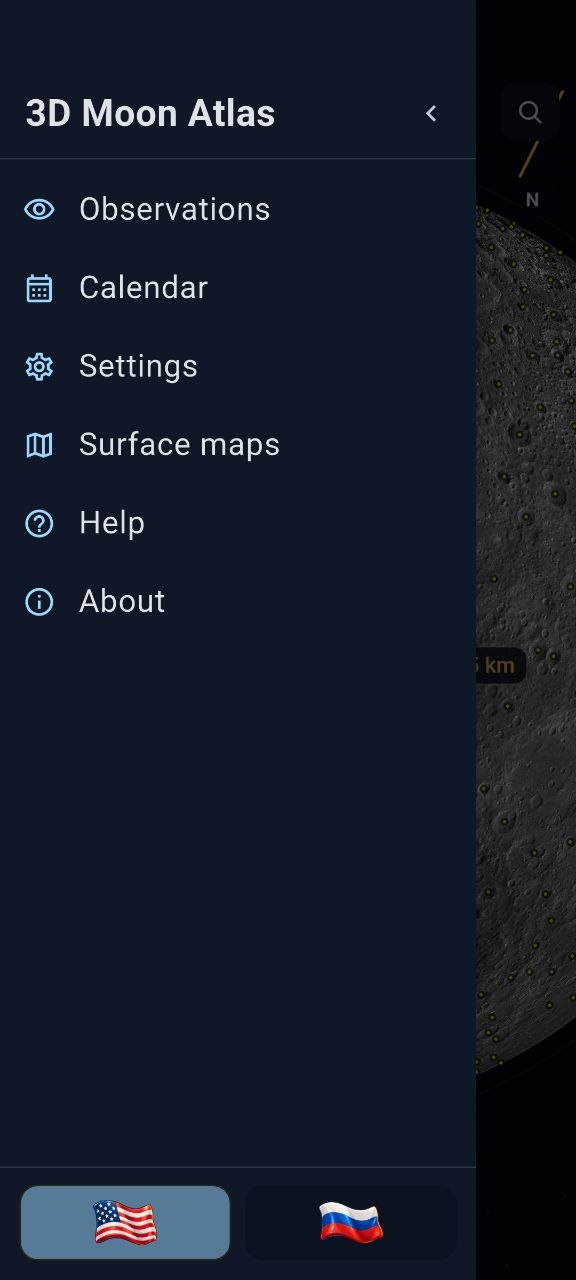
Interactive lunar globe with object markers
1 / 8
Google Play testing
Android only. An iPhone version will come later.
To make 3D Moon Atlas available to everyone on Google Play, I need to complete a closed test and then apply for production access. For this developer account, at least 12 testers must stay opted in continuously for 14 days. Your participation helps meet that requirement and lets me check the app on real Android devices. Google Play reviews the production request separately, so completing the test does not automatically make the app public.